Open-source headless CMS
Shape your
content.
Your API
follows.
Model content, edit it well, and publish with a CMS that keeps up with you. Change a model in production and the API changes with it. Nothing restarts.
Self-hosted · Apache-2.0
1Model · Article
2API · REST
3Your site
shapio.dev/blog
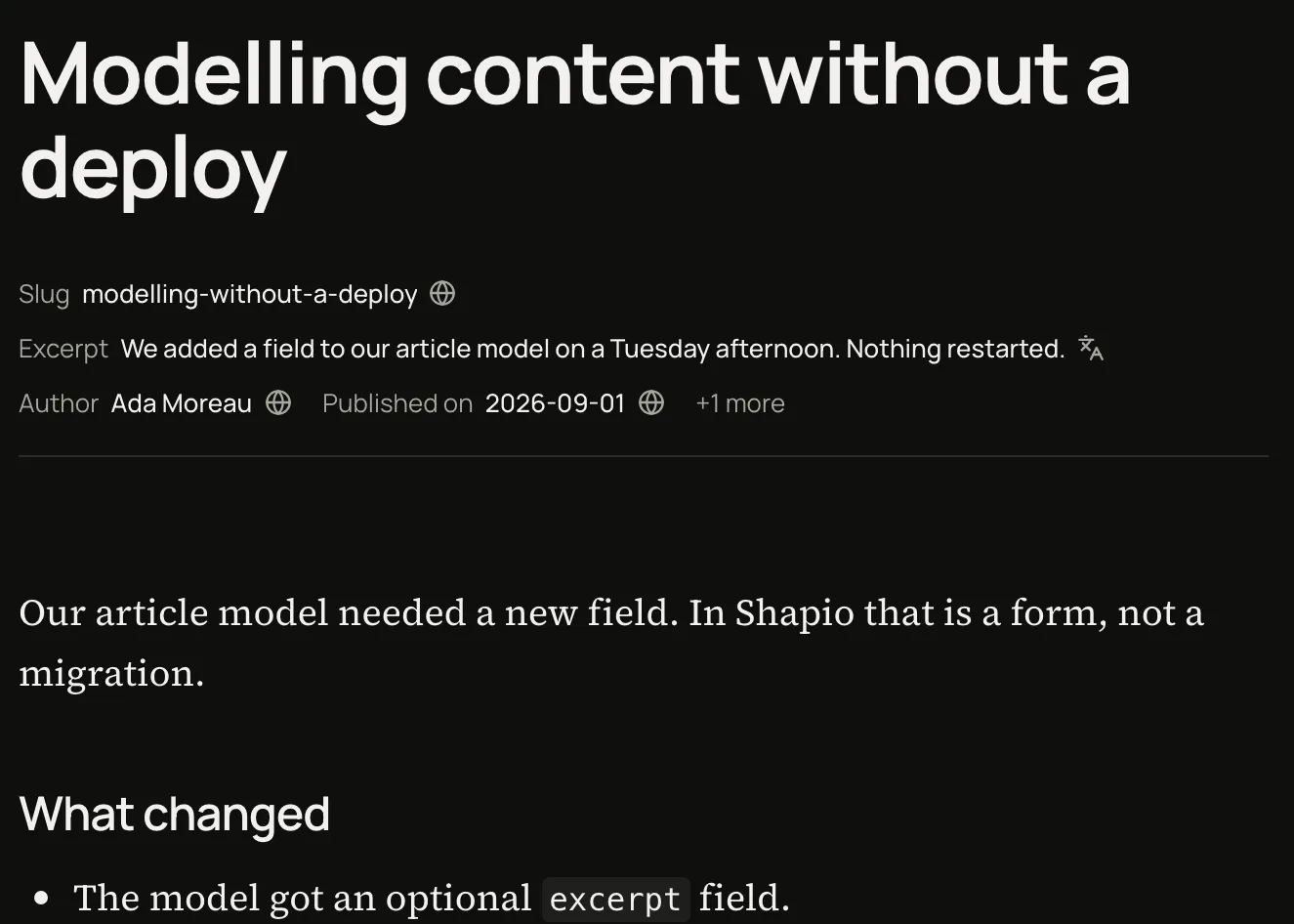
Modeling content without a deploy
We added a field to our article model on a Tuesday afternoon. Nothing restarted.
6 min readThe mechanism, in a loop: a field is added, the API has it, the site shows it. No restart.
Built for people who build
The tools should already be there.
What writing, modelling and shipping feel like.
Editors worth using
Write in a document, not a form. Every control works from the keyboard, shows its errors where they happen and keeps your unsaved edits.
Live model changes
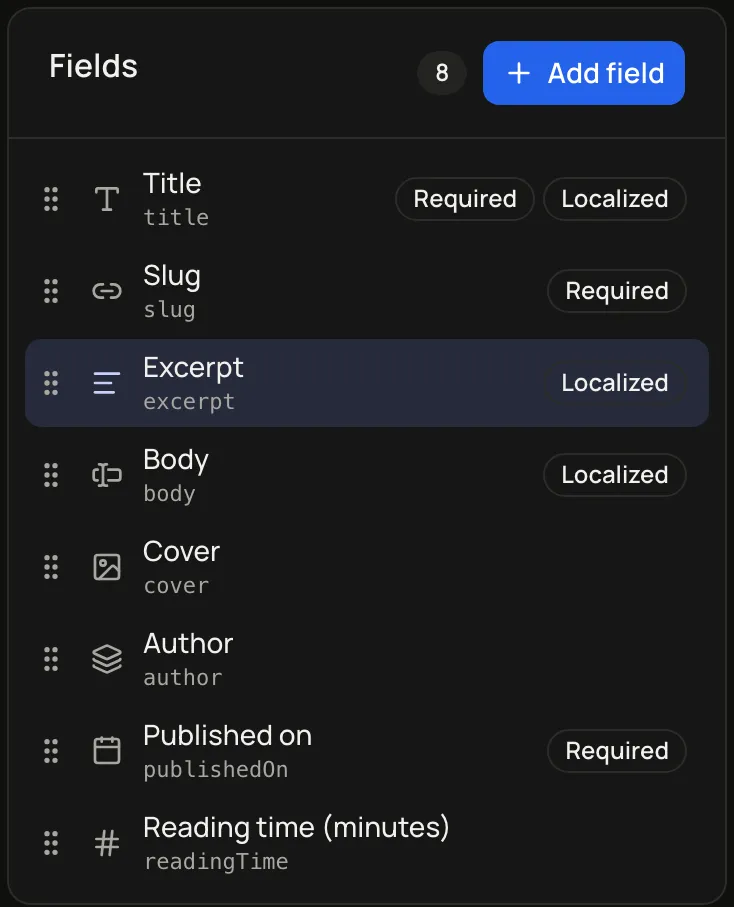
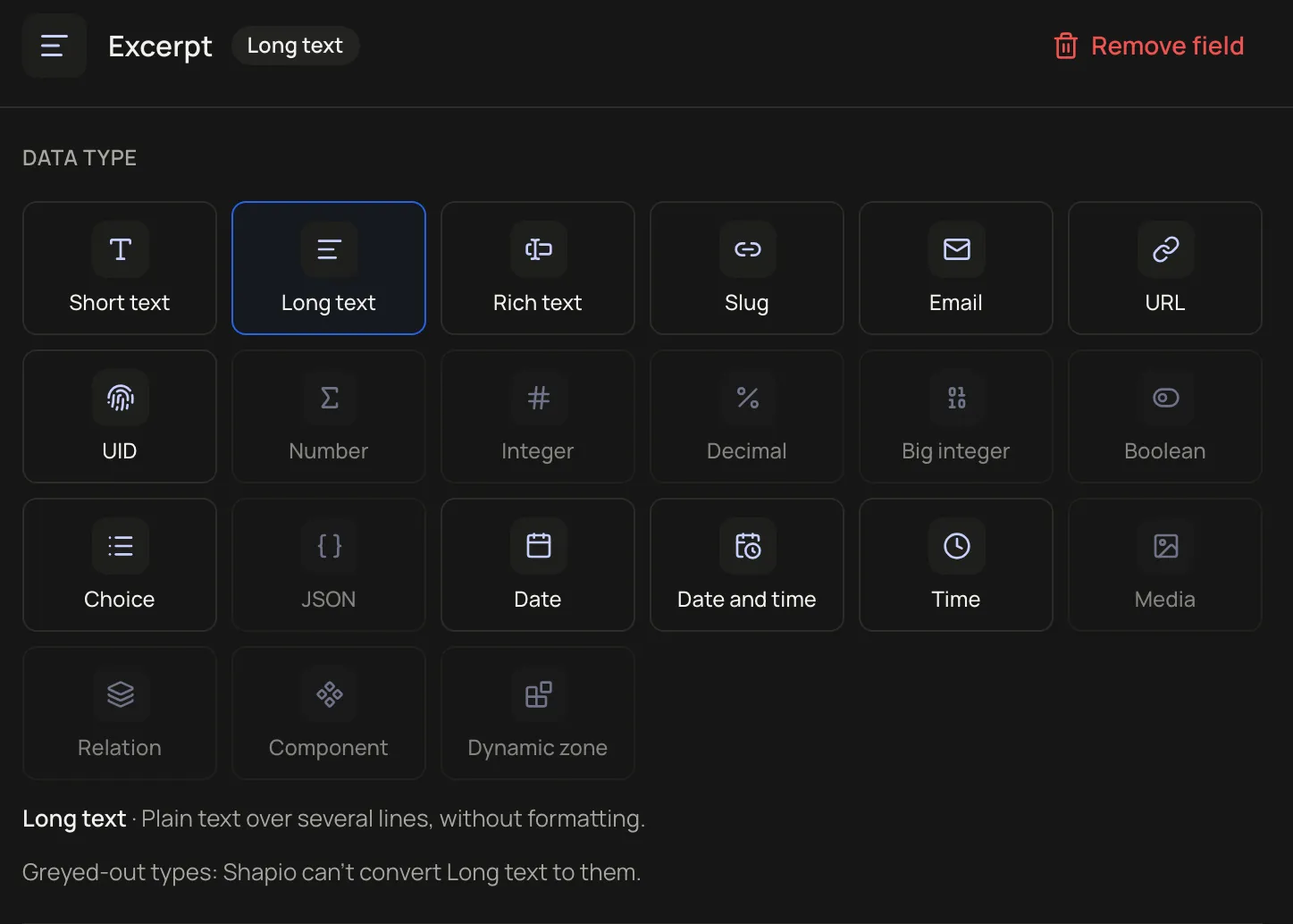
Add a field. Reload the API. It is there. Swap how a field is edited without touching its data.
- Draft savedchange set
- Publishedsnapshot
- Build starteddeploy hook
Connected publishing
Press Ship and your site rebuilds, on Cloudflare Pages, Vercel, Netlify or a build hook, with the real build status in front of you.
Assist · MCP
Agents propose. People ship.
Connect your own model provider, hosted or on your machine, for alt text, summaries, translations and content-type drafts. It is off by default, and while it is off nothing leaves your server. Every result is a field you review or a draft in a change set. With npx -y @shapio/mcp, an agent in any MCP client models content types, writes entries and opens a change set for review. It cannot ship unless you pass --allow-ship and its role holds changes.ship.
- agent › create content type "Interview" with fields title, guest, transcript
- shapio › drafted Interview in change set #cs-118
- agent › add 3 entries from the notes
- shapio › 3 drafts added · waiting for review
- human › Reviewed. Ship.

Alt text · suggested
A field being added to the Article model in the Shapio admin
Schema in git · Change sets
Change the schema like code. Skip the deploy.
In most CMSs the content model is code. Adding a field means editing a file, running a migration and redeploying, so the model builder is switched off in production. In Shapio the model is data: add the field in the admin and it is live. Want it in git as well? Pull writes your models to JSON files. Apply pushes your edited files back, live, through the same checks the admin uses. If someone changed the same model in the admin since you pulled, apply refuses and shows both versions, the way git rejects a push. Nothing is overwritten.
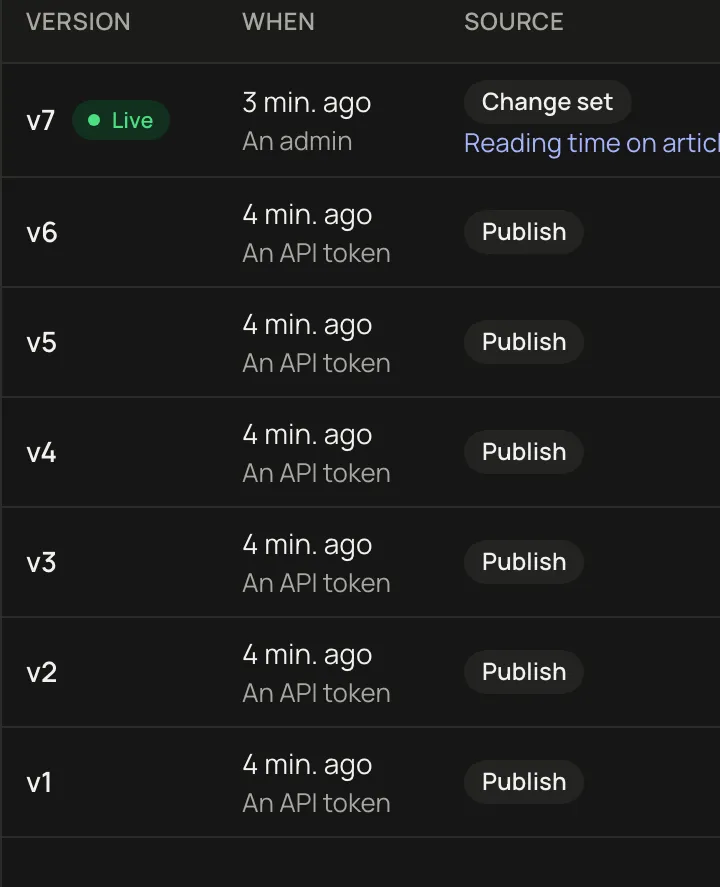
Every ship is a numbered snapshot of schema and content together. A site build pins one number, so it never sees a new field without the entries that use it. Going back is shipping an older snapshot as a new one. Nothing is deleted.
pinned build: ?snapshot=24
Modeling content without a deploy
An article from the launch, as it was published.
Modeling content without a deploy
Nothing restarted.
schema: + subtitle- Modeling content without a deploypublished
- Why every build pins a snapshotpublished
- Notes from the field: how editors really workpublished
Modeling content without a deploy
An article from the launch, as it was published.
brought back from #21, shipped as new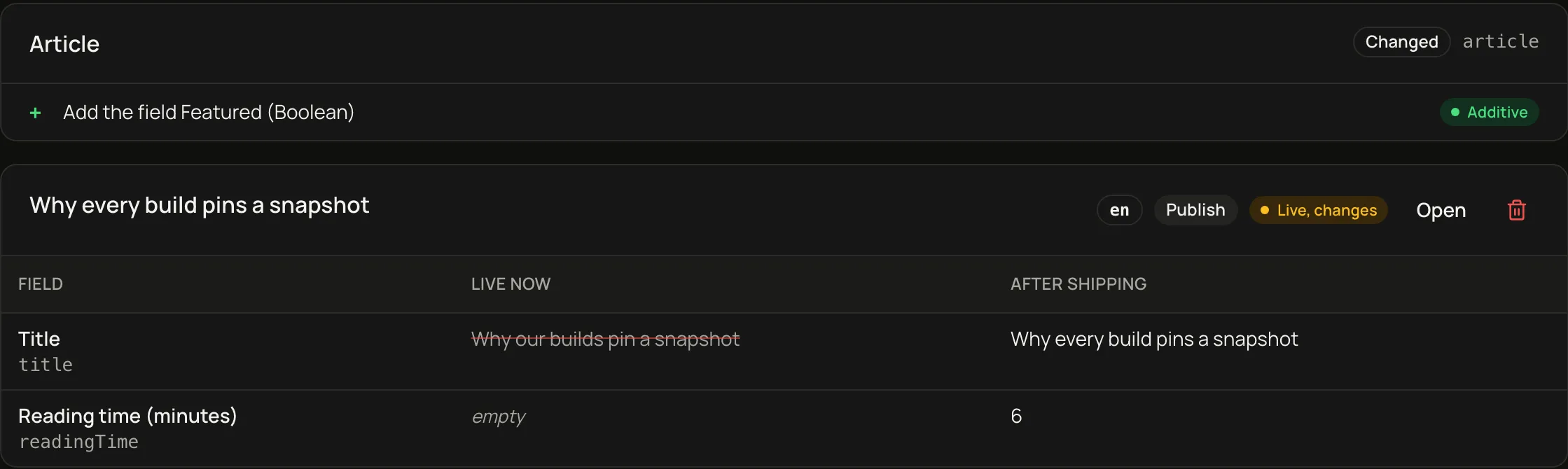
FAQ
Questions
Does changing a model need a rebuild?
No. A model change activates a new schema version in the running server, and REST and GraphQL serve it on the next request; only environment variables, code extensions and upgrading Shapio itself need a restart.
Which databases does it run on?
PostgreSQL 16 or later, MySQL 8.4, or SQLite. Use PostgreSQL or MySQL for several instances, a separate worker or many editors writing at once, and move from SQLite later with export and import.
Do I need the AI assist?
No. Assist is off until you set AI_PROVIDER, and while it is off nothing leaves your server; when you turn it on, it uses your own model provider, hosted or running on your machine.
Can I run it free on one small server?
Yes: every feature is in the Apache-2.0 core, and with SQLite the whole instance is one Node process and one database file. Keep that file on a persistent local disk, not a network file system, and back it up with shapio backup while Shapio runs.
How do I move from WordPress or Strapi?
shapio import wordpress or shapio import strapi reads a WXR or Strapi 5 export and writes schema files you review and apply live. A second step uploads the media and creates every entry as a draft, with the ones published at the source in a change set you review and ship.
What is the licence?
Apache-2.0, for the server, the admin and the packages. There is no hosted account and no telemetry: Shapio sends nothing anywhere unless you configure it.
How it works
From model to published.
Define your model
Add fields in the admin; the API has them at once.
Make it yours
Custom editors, components, localized fields.
Publish with confidence
Review a change set, ship one snapshot, pin a build to it.
Many sites · Shared types
One Shapio, three sites.
This page is a Shapio entry. So are these sites. Each site has its own content types, and a content type can be shared with every site: one definition, each site's own content under it. Change the shared type once and all three sites have the field.
This site's content types
- Page
- shapio.dev home
- Post
- Project
- Tag
- About page
- Game
- Tool
- ForgeStack home
Shared with every siteshared
- Site settings
siteSettings - 5 shared componentsfeature · link · notFound · paragraph · textItem
Open source
Build on your terms.
Open source and self-hosted. Postgres, SQLite or MySQL. npm or Docker. Nothing leaves your server unless you say so.
Explore the docs- npmnpx create-shapio@latest my-cmscd my-cmsnpm run startAdmin at http://localhost:4300/admin/
- Dockercurl -O https://raw.githubusercontent.com/mybrokengnome/shapio/main/docker-compose.ymldocker compose up -dAdmin at http://localhost:4300/admin/